
Creating a home office that is both cozy and productive is essential for many people who work remotely or spend considerable time on projects at home. A well-designed workspace can improve focus, reduce stress, and help maintain a healthy work-life balance. Whether you have a dedicated room or just a small corner, these tips will help you craft a home office environment that supports your best work.
Choose the Right Location
Finding the best spot in your home for your office is the first step. Ideally, this should be a quiet area with minimal distractions.
– Natural light: Position your desk near a window if possible. Natural light reduces eye strain and energizes you.
– Privacy: If you share your home, find a place where you can close a door or use room dividers to separate your workspace.
– Space: Consider how much room you need for your desk, chair, and any necessary equipment or storage.
Invest in Comfortable and Functional Furniture
Comfort is key in a space where you’ll spend hours each day. Choosing the right furniture helps maintain good posture and minimizes fatigue.
– Ergonomic chair: Opt for a chair that provides good lumbar support and adjustability.
– Desk: Choose a desk that fits your space and work style, whether it’s sitting or standing. Adjustable desks are excellent for switching positions.
– Organization: Use shelves, filing cabinets, or storage boxes to keep your desk clutter-free.
Personalize Your Space
Adding personal touches makes your home office feel inviting and uniquely yours.
– Colors: Soft, calming colors like blues, greens, or neutrals can enhance focus while warm tones add coziness.
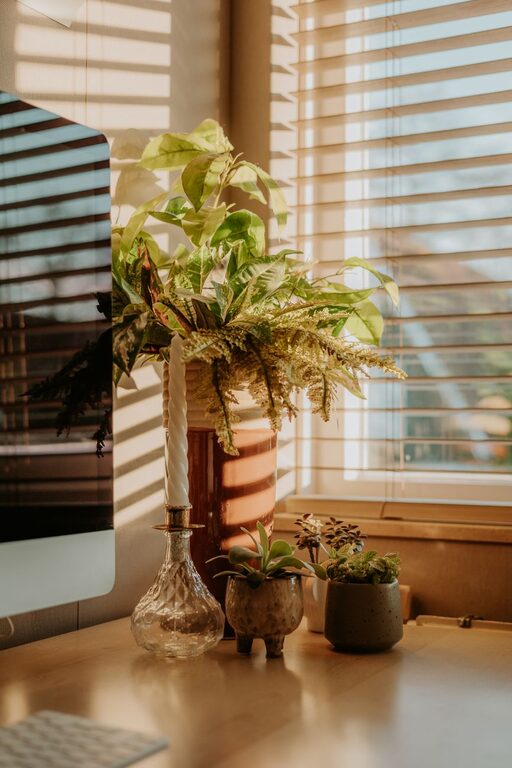
– Decor: Incorporate artwork, plants, or photos that inspire you.
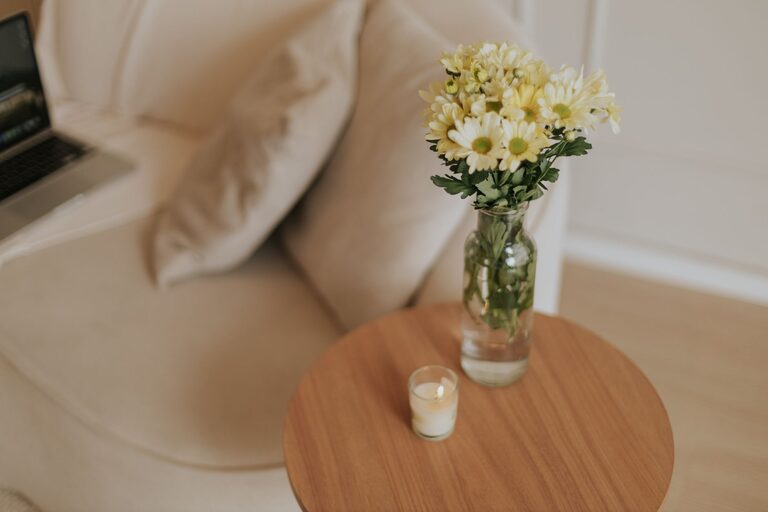
– Textiles: Soft rugs, cushions, or curtains contribute to a cozy atmosphere.
Optimize Lighting
Proper lighting is essential for both productivity and comfort.
– Task lighting: Use a desk lamp to brighten your work area without causing glare.
– Ambient lighting: Combine natural light with overhead or floor lamps to balance brightness throughout the room.
– Avoid screen glare: Position your monitor to minimize reflections from windows or lights.
Keep Technology User-Friendly
Having reliable and well-organized technology keeps your workflow smooth.
– Cable management: Use clips or sleeves to keep cords tidy and out of the way.
– Monitor setup: Position your monitor at eye level to avoid neck strain.
– Accessories: Consider wireless keyboards and mice for a cleaner desk.
Maintain Organization
A neat environment helps reduce stress and distractions.
– Daily tidying: Spend a few minutes at the end of each day clearing your workspace.
– Storage solutions: Use trays, drawer organizers, or desktop containers to keep supplies accessible but organized.
– Paper management: Use filing systems or go digital to store documents.
Create a Comfortable Atmosphere
The right atmosphere can make your workday more enjoyable.
– Temperature: Ensure your room has good ventilation and control over temperature comfort.
– Sound: Use noise-canceling headphones, white noise machines, or soft background music to block distractions.
– Break space: Include an area nearby with comfortable seating where you can take short breaks.
Develop a Routine
Establishing habits around your workspace helps separate work from leisure time.
– Set hours: Define your working schedule and communicate it to others at home.
– Declutter regularly: Weekly organization keeps your space functional.
– Personal rituals: Start your day with small routines like stretching or a cup of tea to signal the beginning of work.
—
By thoughtfully designing your home office with both coziness and productivity in mind, you create an environment that supports your work and well-being. Small changes can make a big difference in how you feel and perform throughout the day. Enjoy making your space your own, and happy working!
About the Author